A longer specification table does not give your customer a better buying decision. Put two home cinema projectors side by side, add abbreviations and confident picture quality claims, and the reader can still be stuck. Which suits the room, which connections are needed and what actually comes in the box?
A useful comparison explains what the relevant differences change. Keep the detail available for technically confident shoppers, while helping everyone else recognise requirements that could rule a product out. That is a more useful job than simply making the page look comprehensive.
Start with the room and equipment
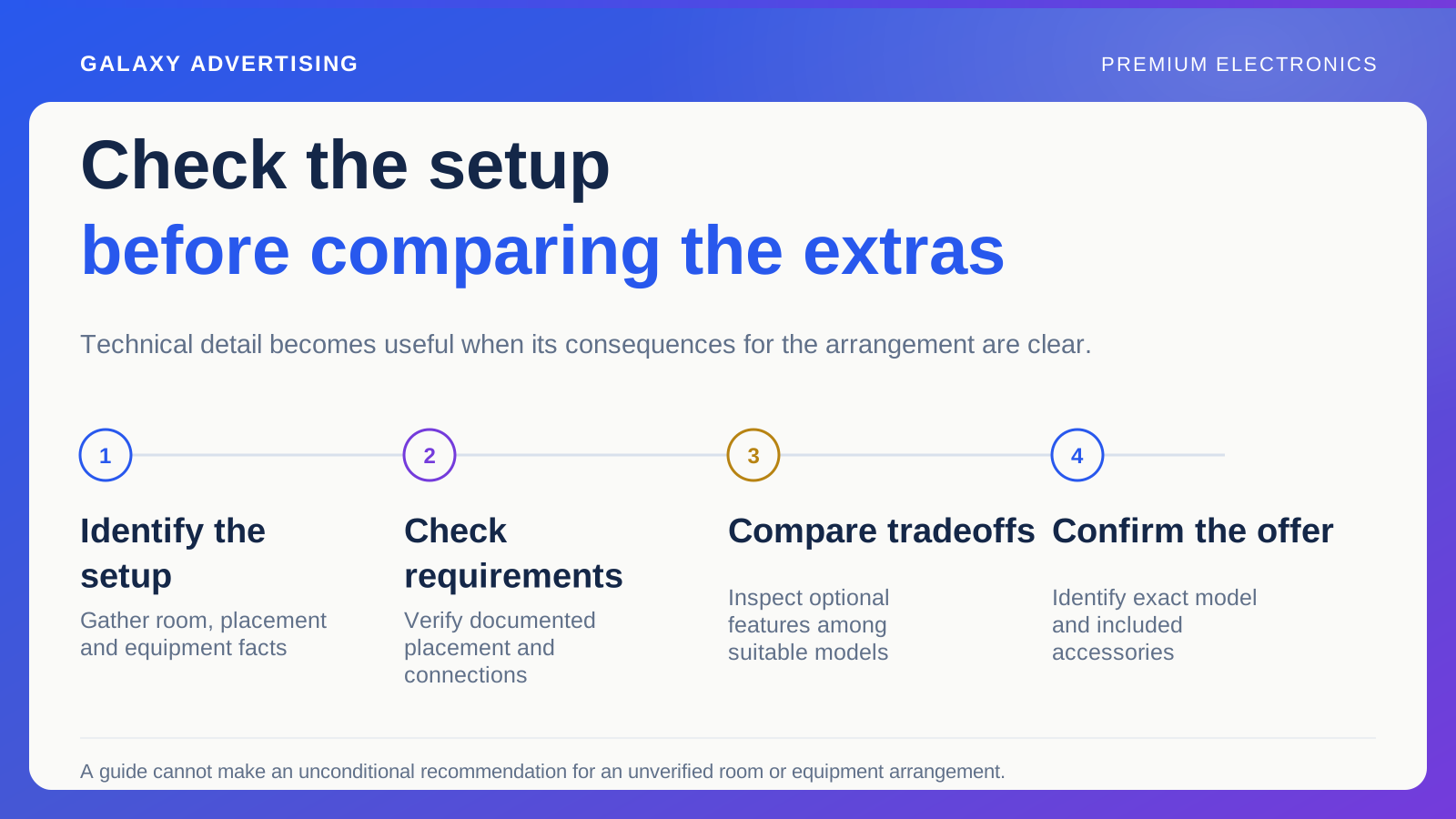
Ask what the product has to work with. For a projector, that could mean room layout, intended image size, placement, available connections and equipment the customer already owns. Check the exact requirements against the documented information for that model.
Keep a general guide from becoming an unconditional recommendation. Different rooms and arrangements create different constraints. Explain which facts someone needs to gather before comparing products, rather than assuming a setup you have not established.
The shopper can then make progress without learning every technical term first. You also have a clearer reason to recommend a particular comparison, instead of pointing everyone towards whichever model has the highest price.
Name the product, then explain the difference
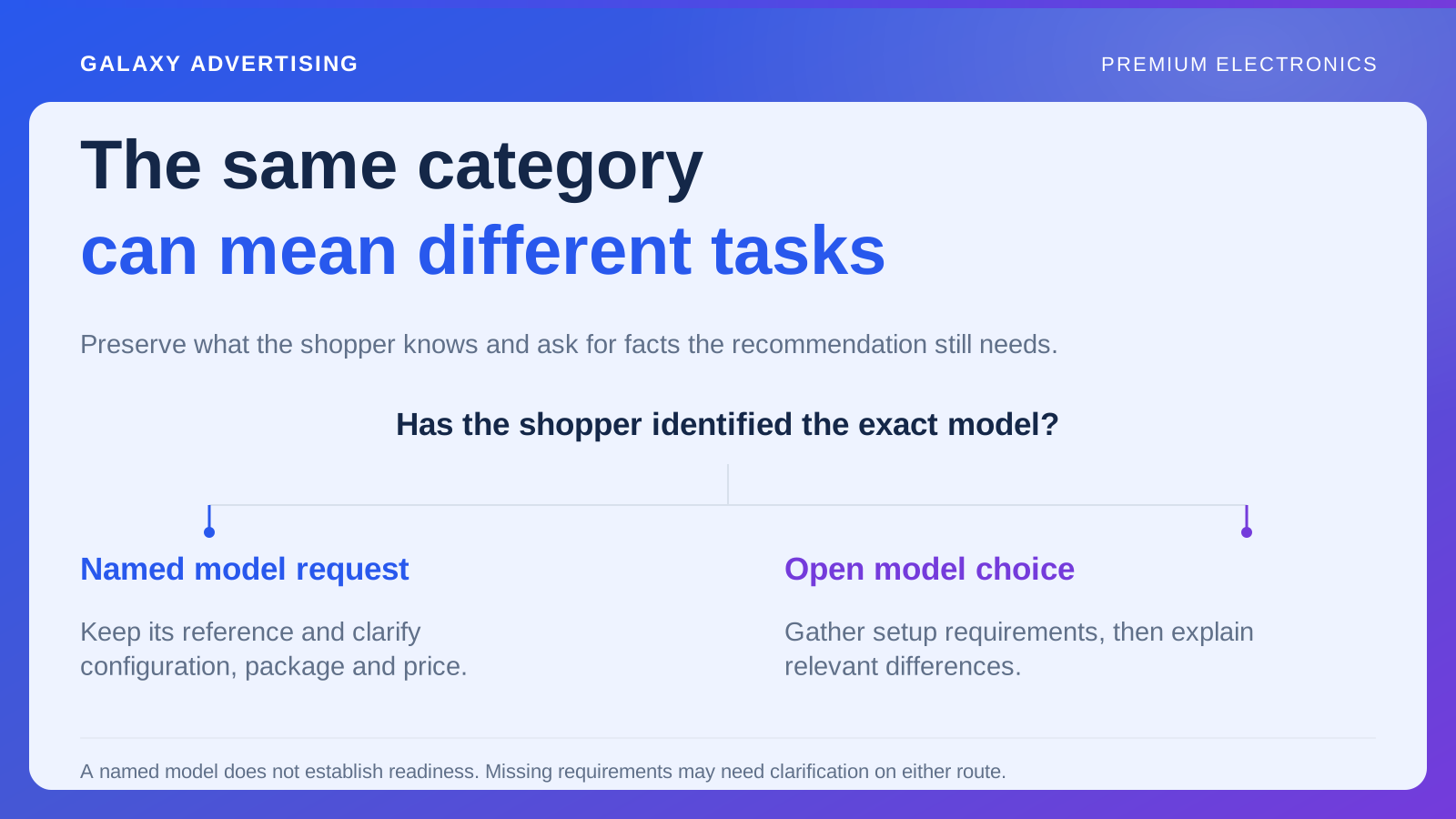
Get model numbers, variants and revisions right. A variant is the selected configuration or version. These identifiers let customers check that specifications and accessory information belong to the item you are actually selling.
Then connect the differences to suitability. Explain how an attribute affects a relevant task or limitation. Making the larger number bold does not establish that this particular customer will benefit from it. The consequence needs words of its own.
Retain the source for technical claims and preserve important conditions in the wording. If manufacturers measure or describe an attribute differently, do not present their figures as directly equivalent without reliable support. A tidy comparison is no excuse for a misleading one.
Put compatibility where people can see it
Use manufacturer documentation to identify relevant connections and requirements. Explain what connects to what, and which additional items the customer needs to check or obtain. Compatibility should be a visible decision, rather than something discovered after delivery.
Avoid promising that a product works with everything unless you can substantiate that statement for the use being discussed. Compatibility often depends on conditions. Hiding them makes the proposition sound simpler while leaving the actual uncertainty intact.
When a requirement remains unclear, provide a route to a reliable answer. An enquiry that prevents an unsuitable order can be worth more commercially than persuasive wording that helps somebody buy the wrong product. The order count is not the whole story.
Be plain about what the price includes
A styled demonstration can show a complete setup when the supplied package contains only part of it. Identify included accessories clearly and keep that offer consistent across the advert, product page and checkout.
Explain why you recommend additional equipment. Do not make every accessory sound essential, or imply that an optional purchase is included in the headline price. The customer needs to distinguish the package from the suggestions around it.
Compare the whole proposition responsibly. A lower product price can come with different contents, delivery or support. Those differences belong in the buying explanation, rather than disappearing behind a simple price comparison that makes unlike offers look the same.
Give the comparison a short decision path
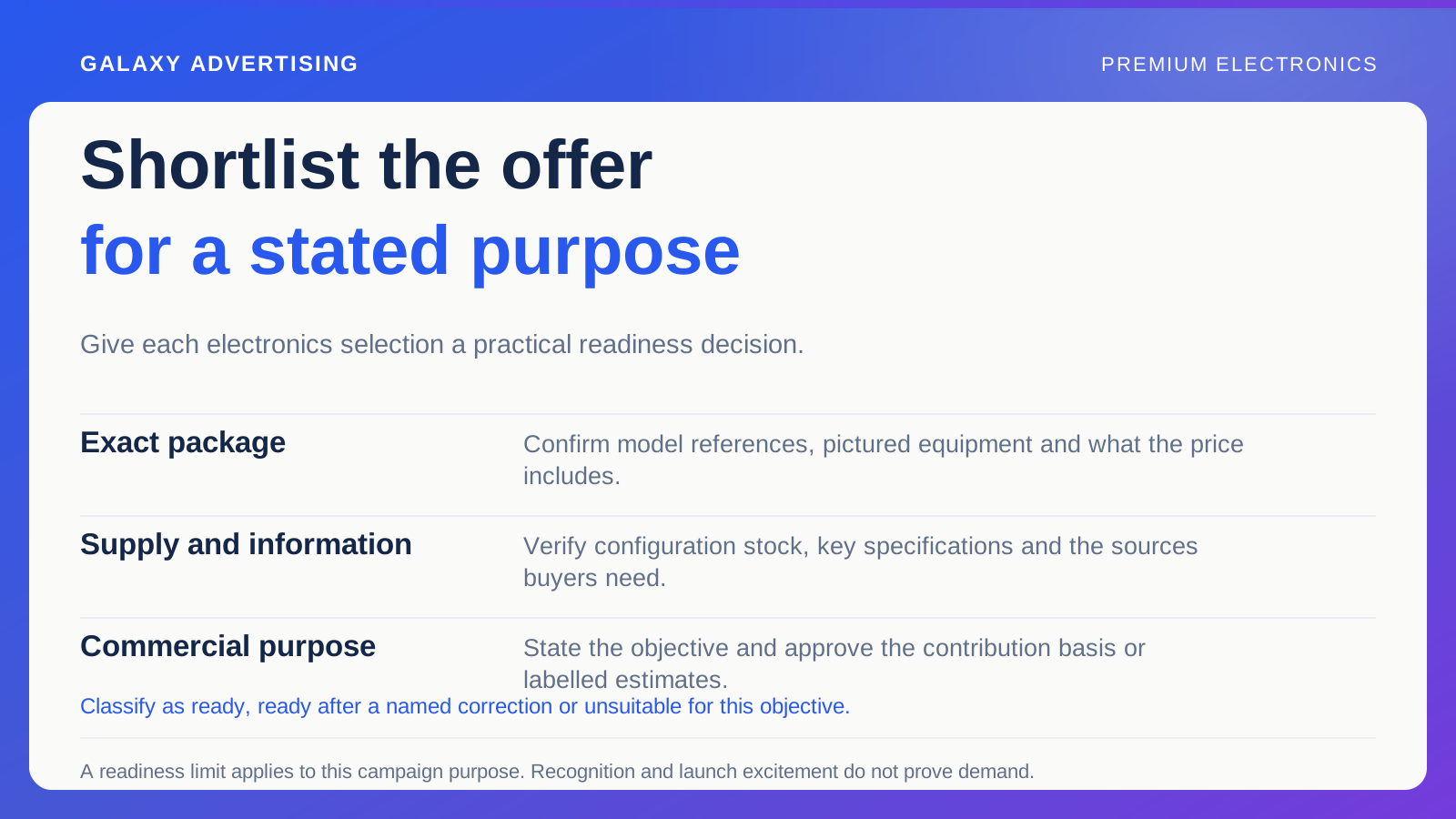
Choose a small number of questions that determine which models deserve closer inspection. For example, establish whether placement and connection requirements can be met before comparing optional features. Suitability comes before the extras.
Show where several products remain suitable and explain their tradeoffs. A fair guide does not need a universal winner. It should help customers see why one option better serves their priorities while another remains reasonable for someone else.
Link to exact product pages and relevant documentation where readers need more detail. Once the guide has narrowed their options, do not send them back to searching the whole site. Carry the progress through.
Demonstrate only what the demonstration can support
Video can show setup steps, controls or package contents. Take care when claiming to demonstrate performance that a recording or screen cannot straightforwardly represent. The medium itself can limit what the viewer can judge.
State the demonstration conditions and avoid edits that create an unsupported technical claim. An attractive image does not prove a performance difference merely because its caption says there is one.
Give the creative team the fact to demonstrate, the reference verifying it and the destination where the buyer can inspect the specification. That makes the asset's job clearer before anyone starts choosing shots.
Ask someone to try a realistic setup
Choose a realistic household arrangement and ask a reviewer to use the guide to identify what needs checking. They should find the model, connection information, included accessories and unresolved requirements without supplying the missing explanation themselves.
Do not score the exercise by whether they choose the promoted product. Ask whether they can explain why an option seems suitable or needs further confirmation. Note unexplained abbreviations whose decision consequence remains unclear, and values presented as comparable without an established basis. Those are editorial problems even in a beautifully formatted table.
Resolve factual questions with the product team or documented source before simplifying. This protects accuracy while reducing the interpretation customers must do alone. It is particularly useful before the comparison appears in advertising or a shorter selection tool.
Look at the suitability of the orders
Review enquiries, compatibility questions and avoidable return reasons alongside acquisition reporting. Traffic to a comparison that leaves the same basic questions unanswered can signal a need for a clearer decision structure.
Some technical enquiries are entirely legitimate. Distinguish an individual setup needing confirmation from repeated confusion the page could accurately resolve for everyone. Every question is not evidence of failure.
Technical confidence comes from usable detail: what matters, under which conditions and what to check next. Accurate specifications are essential. Explaining their consequences is what stops your customer being left alone with the table.