A range name does not establish which product your customer can actually buy. That matters when your editor opens a folder containing several finishes, an earlier prototype and a styled image with optional accessories, then selects the references that look best.
The resulting video can be thoroughly convincing while matching no purchasable version. By then, editing time has already been spent on a problem that started before editing began.
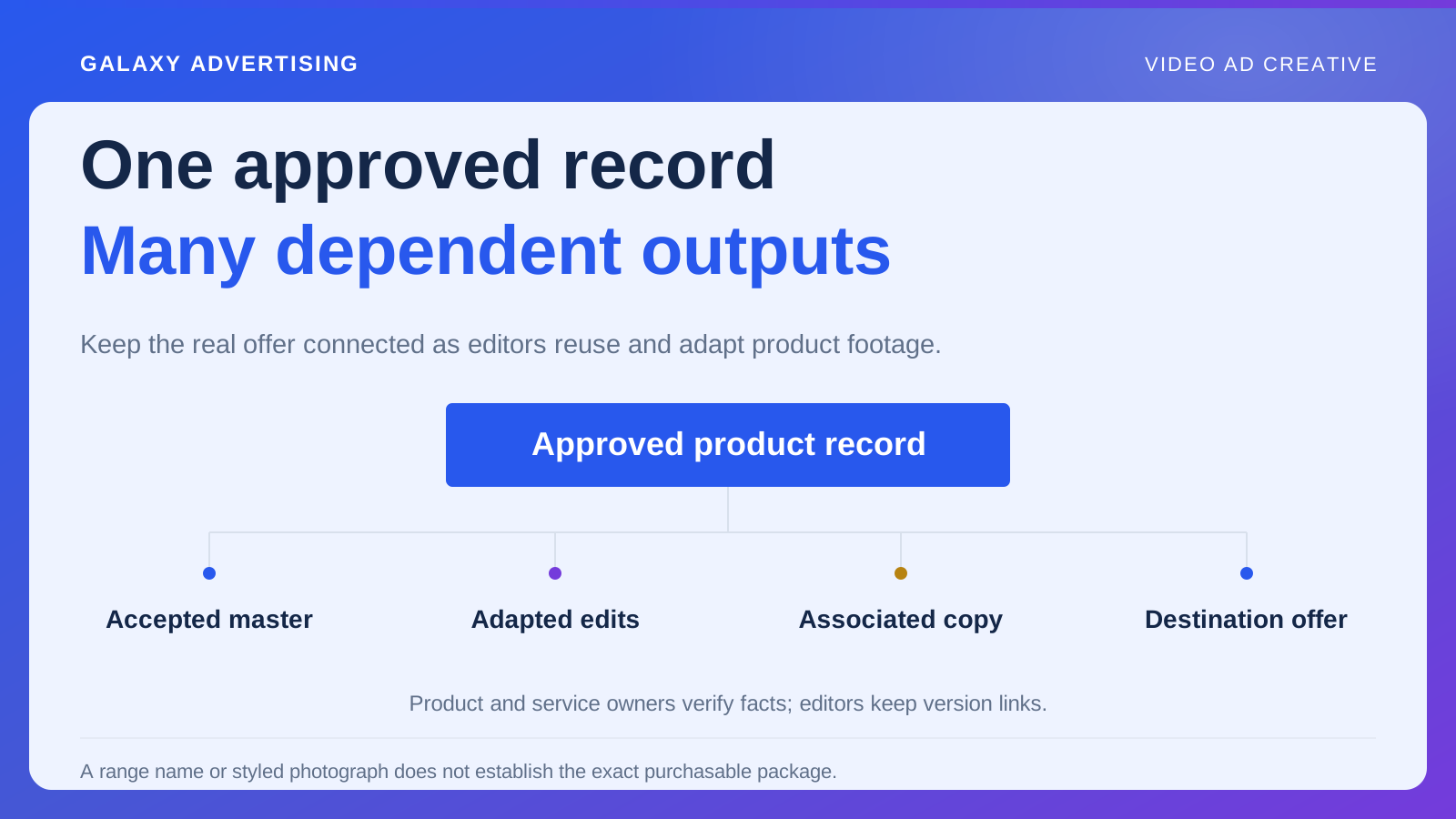
You need an approved product record behind the footage. It identifies the real offer and says which references belong to it, so accuracy survives a change of editor, format or version. Your reviewer should not have to carry the entire catalogue around in their head.
A range name is not enough
Start with the model, configuration and finish intended for this asset. Use references your retail team and source systems recognise consistently. A convenient creative nickname can help a conversation, but it cannot do the whole job.
Put the destination offer beside that identity. Everyone internally may know what the range name means. A customer clicking through still needs to arrive at the right version, and a broad name does not establish that connection.
If the video will show several configurations, identify each on purpose. Otherwise production can quietly build a composite from the most attractive parts of different versions. You should be able to point at the record and answer a plain question: which actual item are we showing?
Decide what must stay true
Write down the characteristics production must preserve. These might include shape, controls, components, proportions and distinctive surface details. Then show where there is room for interpretation, such as the room, camera angle and supporting styling.
That gives an editor useful freedom. Without boundaries, they could faithfully preserve an irrelevant background detail while changing a feature that matters. Equally, a reviewer could reject every creative variation because nobody agreed what could move.
Keep the record manageable. A simple item might need only a few dependable references. A distinctive or configurable product could need a fuller pack. The right amount is the amount people can actually use during production, rather than an impressive document they leave unopened.
Tell the editor what each picture proves
Supply front, side and detail views where you have them. Label the feature each one establishes and whether it is approved for this model or is there simply as context.
Separate obsolete and unrelated images from the working pack, or remove them from it. There is nothing wrong with keeping an archive. Trouble starts when old and current references sit together looking equally usable.
If photographs disagree about a colour or material, ask the person responsible for the product to approve a reliable basis. Production should not have to infer the truth from inconsistent pictures. Resolve uncertainty in the source record before it turns into a beautifully finished guess.
Keep the approved words beside the pictures
Attach important specifications and service statements to their approved sources. Make clear what wording production may use and who can verify a proposed change.
A supplier's technical specification and your own service promise are different things. Product information does not establish when you deliver or what installation includes. Those facts can have different owners and conditions, so keep their authority clear.
Mark an uncertain claim as unresolved and keep it out of the released asset until the responsible person confirms it. A gap in a brief is uncomfortable. An attractive sentence invented to fill that gap is a public claim you have not verified. Better to see the missing fact while there is still time to settle it.
What actually comes in the box?
Identify what is included, what is sold separately and what appears only for styling. Pictures shape the apparent offer even when the caption barely mentions contents.
Imagine a hypothetical desk video. The monitor arm, storage unit and cable tray could each have a different relationship to the price. Your editor needs that distinction before deciding how to compose the scene.
Look at the complete picture too. A small qualification may fail to undo a strong impression that several products come together. If the package remains difficult to explain, change the composition or make the visual distinction clearer. More and more tiny text is not necessarily the answer.
Leave a trail from the record to the video
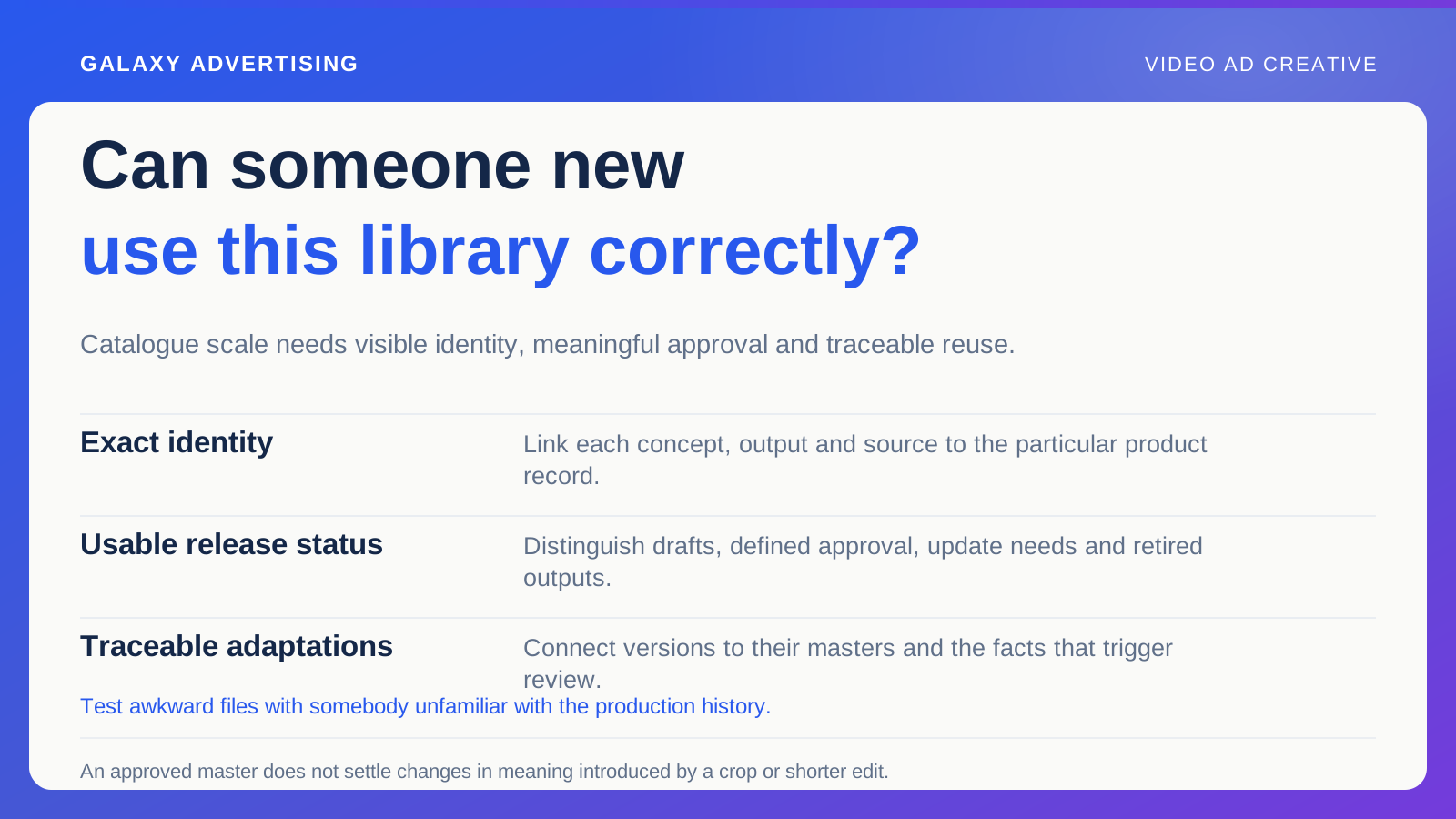
Version the approved record and keep it with the accepted master, adaptations and associated copy. A later editor should be able to find the supporting references without excavating a separate message history.
When the product or offer changes, identify the outputs that depend on that fact. A material update could affect one claim. A new finish or configuration may need a broader visual check.
Keep the earlier record and its relationship to existing assets when you update it. You may need to establish why an approved video no longer matches the offer. That history helps you investigate without assuming the earlier approval was careless.
Settle the handle question once
Suppose the side image shows one handle and the detail image shows another. Asking the editor to choose the more attractive one leaves the actual question unanswered.
Find the product owner, establish which reference applies to this offer, then replace or label the conflicting material. Record the answer in the pack so the next contributor does not have to reopen it.
A small contradiction can spread across several scenes if every image looks equally authoritative. Resolve it at source and you avoid rejecting a collection of polished outputs for the same underlying mistake.
Make feedback something people can act on
When you reject a detail, identify the feature and its approved reference. “The handle differs from the selected model” gives the editor a correction. “The product feels wrong” gives them a guessing exercise.
Check the corrected version against that same standard, including related moments elsewhere in the sequence. A local repair can leave the feature inconsistent in another scene.
The approved record earns its keep when people create, review and reuse an asset without losing the offer it represents. Every ambiguity settled there is one fewer expensive decision left waiting inside a finished video.