A decorative bedroom scene won't explain what sits beneath a storage bed's mattress. Your article can spend paragraphs describing it and still leave the customer unable to identify the storage arrangement or supplied components.
The image makes the page attractive. It hasn't necessarily helped with the buying question that brought someone there.
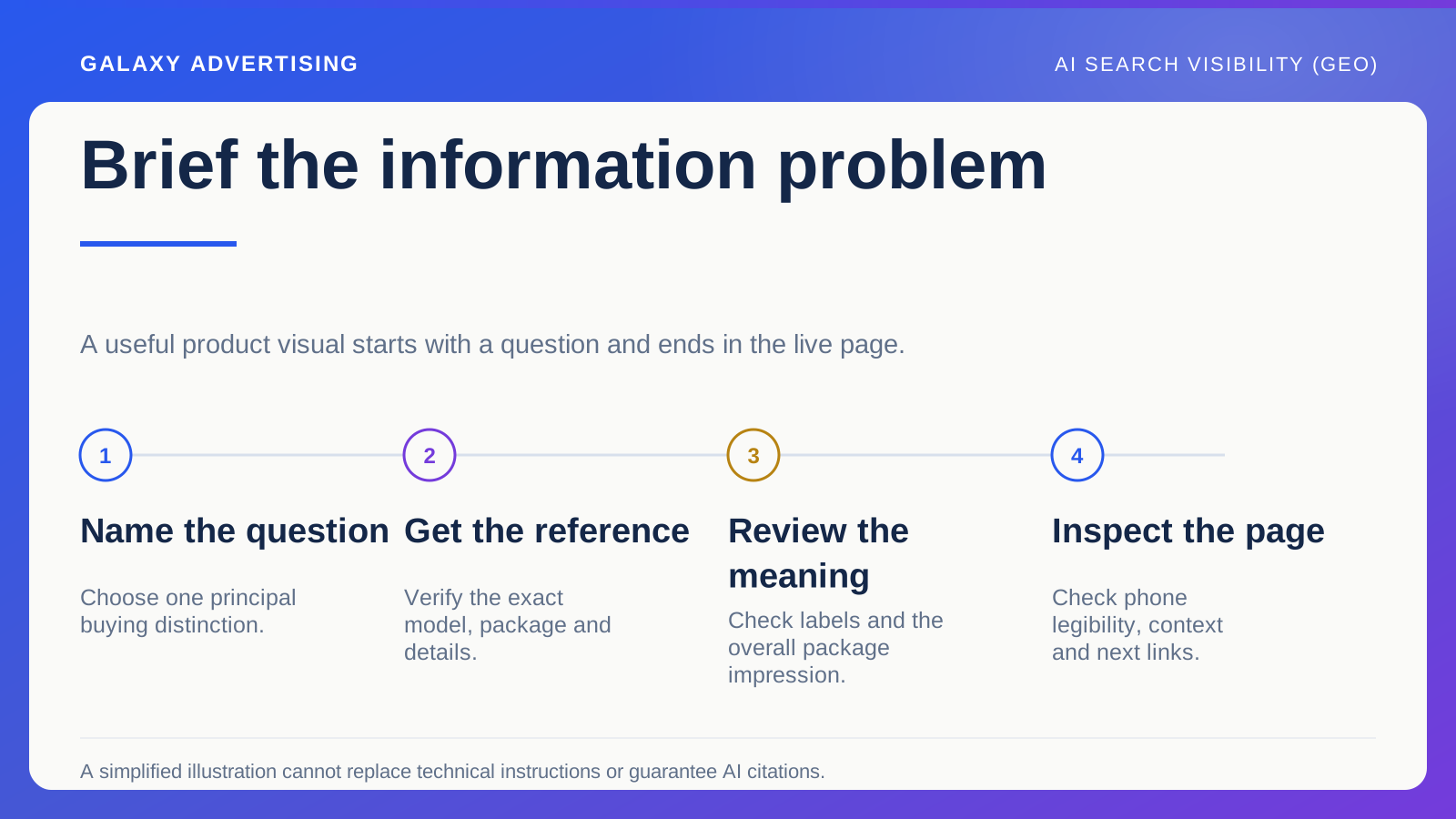
Begin the visual brief with the information problem. Decide what a reader should understand, then obtain the verified references needed to show it accurately. The purpose is a clearer buying explanation. A distinctive graphic doesn't guarantee citations from AI search systems.
Give the visual one question to answer
Choose something prose explains awkwardly. Perhaps customers need to compare configurations, understand what a measurement includes or distinguish supplied items from optional accessories. That gives the image a practical task rather than a decorative assignment.
Write the intended understanding in a sentence. For a hypothetical storage bed, identify the storage section and components included in a particular package. That is a clearer brief than asking for an engaging illustration about bedroom solutions.
Keep one principal job per visual. Explaining dimensions, assembly, care and delivery in one graphic can become unreadable on a phone. Several focused references may help more than one crowded summary. A visual brief should make the information easier to inspect, rather than compress every available fact into the same space.
Obtain the facts before design begins
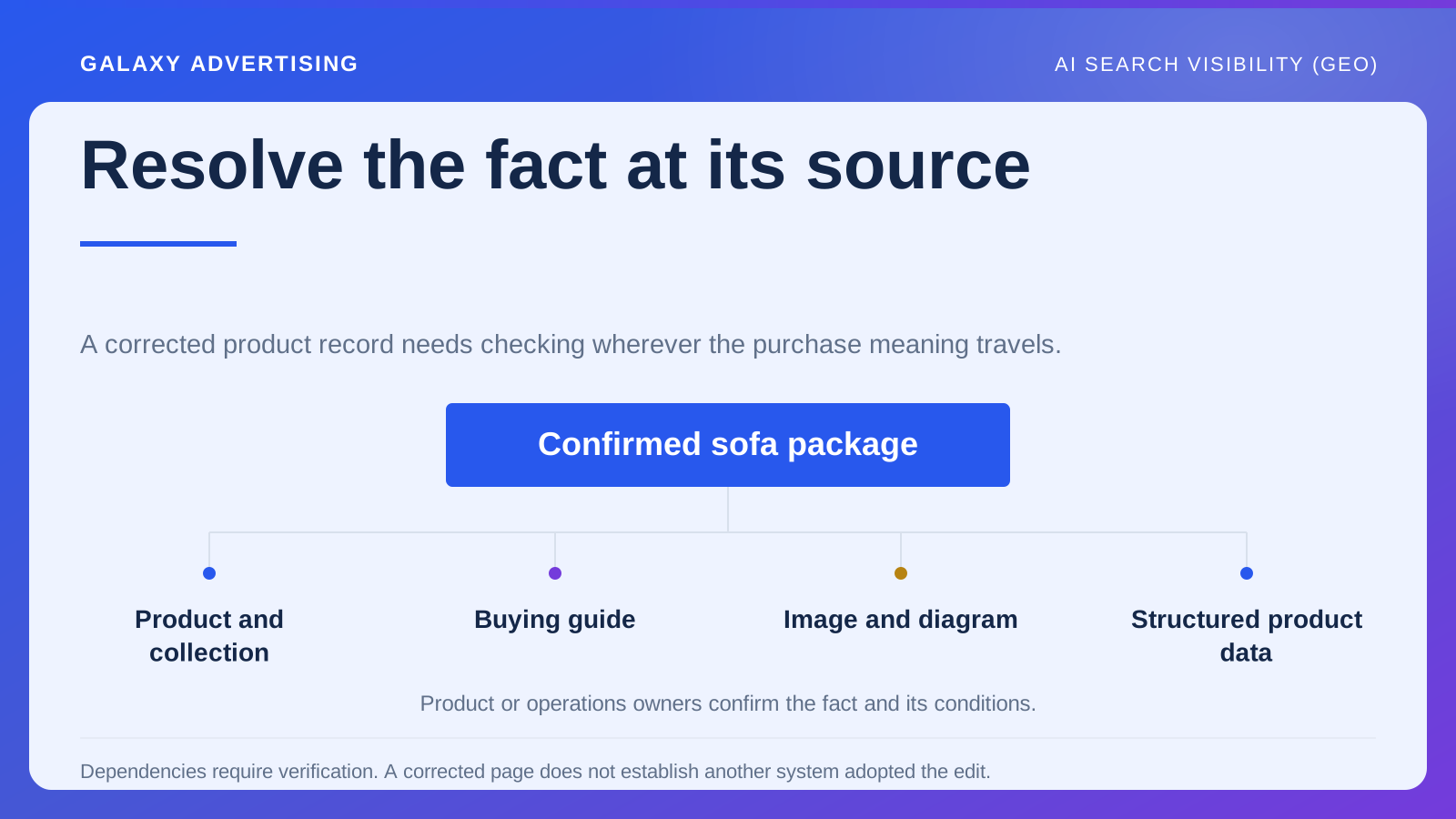
Use the appropriate manufacturer or business reference for each detail shown. Retain the exact model or configuration. Otherwise a designer can inadvertently combine features from several products into an arrangement you don't actually supply.
Keep uncertain information out of the finished diagram until verified. A clean drawing can make an approximation look authoritative. Being visual doesn't reduce the need for a reliable source behind the fact.
Separate simplification from alteration. Removing irrelevant background detail can clarify the explanation. Changing the number of components or implying a different opening arrangement changes the product. Tell the reviewer which elements are fixed by the reference and which can be simplified. That makes the distinction something they can check, rather than a design judgement left unspoken until the end.
Choose the simplest form that shows the distinction
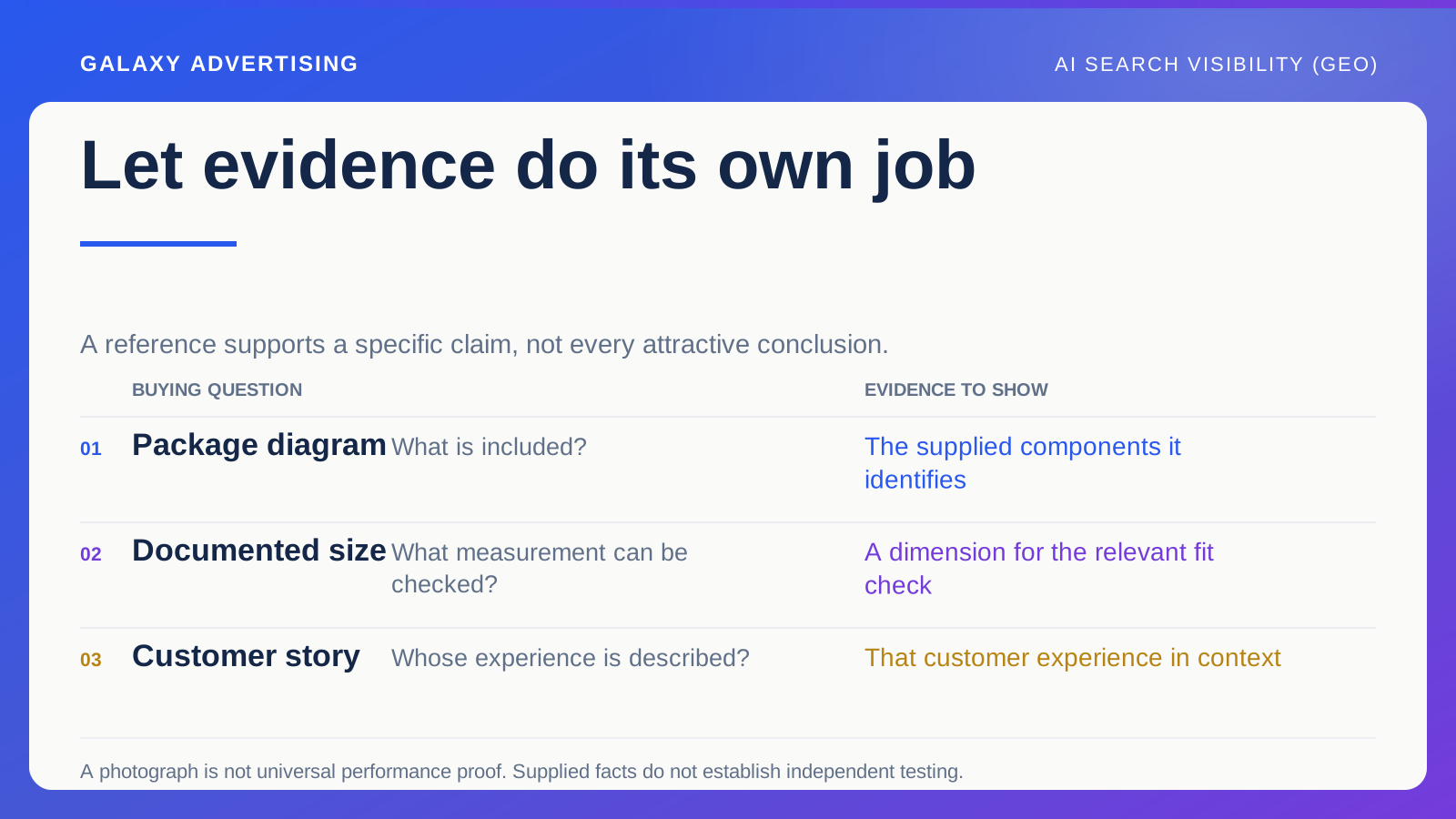
An annotated product photograph can identify detail in its real context. A simple diagram separates components. A comparison image can make a documented difference between configurations easier to inspect. Match the form to the information you need to communicate.
Don't default to the most elaborate option. If two clearly labelled images answer the question, a complex illustration may add unnecessary interpretation. The point is a useful observation for the customer, rather than visible proof of production effort.
Keep decorative imagery in its proper role. A lifestyle scene can create atmosphere and show a plausible setting. It doesn't establish exact dimensions or technical suitability. Make that boundary clear in the surrounding explanation so the customer isn't asked to treat a setting as evidence of a product fact.
Explain the relationship in the label
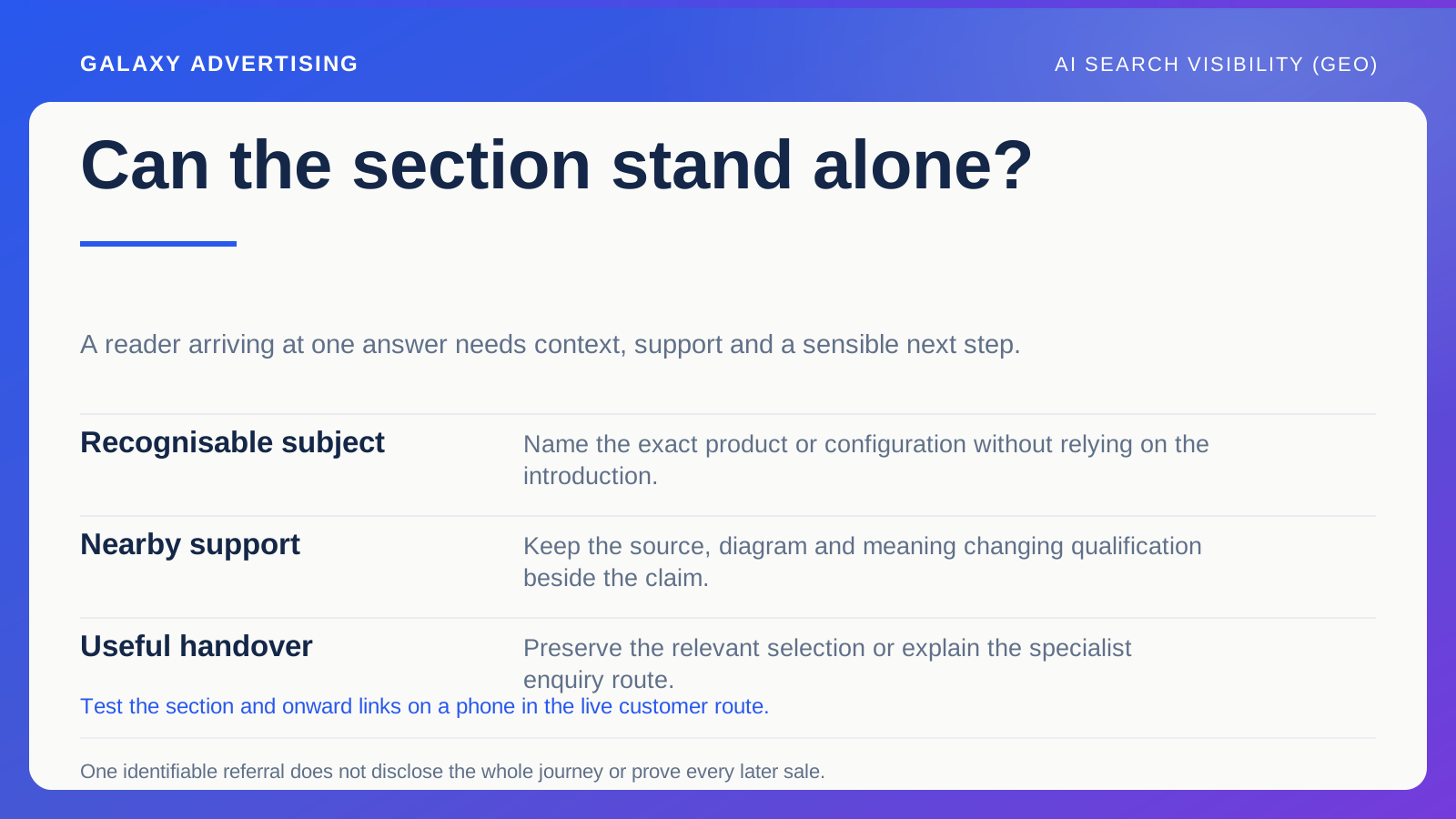
A label saying storage identifies a feature without necessarily explaining the difference that matters. Say which section is supplied, which configuration is represented or which measurement is marked. The label should help people interpret what they're seeing.
Keep text readable at the intended display size. Put essential information in the surrounding page content too. Understanding the explanation shouldn't depend on reading tiny lettering embedded in an image.
Review labels when reusing the graphic. A diagram for one package shouldn't enter a wider range guide without checking its boundaries. Reuse saves effort only when the original meaning remains intact. Otherwise an accurate image in its first setting can become misleading in another, even though the file itself hasn't changed.
Ask the product owner about the whole impression
Give the reviewer the source and intended question. Ask them to check factual detail and what a reasonable reader would conclude. Correct individual objects don't automatically add up to an accurate overall offer.
A component can be visible in a way that implies inclusion. A simplified view can make a mechanism look easier or different from the documented arrangement. Check both the detail and the relationship between those details.
Keep the approved version and its limitations. If it's illustrative rather than a technical drawing, say so appropriately. The graphic shouldn't stand in for manufacturer instructions or specialist advice it was never designed to replace.
Ask what purchase the reviewer believes the storage bed image represents. A dominant mattress or accessory can imply inclusion despite a technically correct label elsewhere. Revise the image or immediate explanation until the overall impression matches the actual package. The approval needs to establish more than a collection of accurate objects arranged into an unsupported promise.
Inspect it in the page people will use
Check the image on a phone and in the actual layout. Can people read labels, identify the correct product from surrounding text and follow the next link to the relevant offer? Judge the route as well as the source file.
Use suitable alternative text and accessible page explanations through your site's established process. Preserve meaning for people who cannot rely on the image alone. Don't use a hidden field to add promotional claims that the explanation doesn't need.
Review loading and presentation too. A good source image can create a poor experience when delivery is unnecessarily heavy or key detail gets cropped. Technical optimisation should preserve the information the brief required. Making the file easier to deliver isn't enough if the answer disappears in the process.
Maintain it like other product information
Name who checks the diagram when the product or package changes. Images can outlive the copy that once explained their limits. Include them in the maintenance process rather than assuming visual approval lasts indefinitely.
When a configuration becomes obsolete, decide whether the reference remains historically useful or needs replacing in the live buying route. Don't silently attach a new product name to an old diagram.
A useful visual makes something specific and verifiable easier to understand. It can make the article distinctive without pretending to control an AI system's response. Its quality lies in the buying question it clarifies, rather than its presence as another decorative asset.