The campaign image is ready for approval and the shoe looks elegant. Look closer: the angle hides the toe shape and the edit changes the finish. It's a premium looking frame, but the pair is becoming harder to recognise accurately on the product page.
Give the creator a clear factual job, then room to style it. A strong brief explains what the shopper needs to see and which characteristics must stay true. Those boundaries still leave space for distinctive production. They simply keep the image connected to the product you're going to supply.
Give the asset a principal question
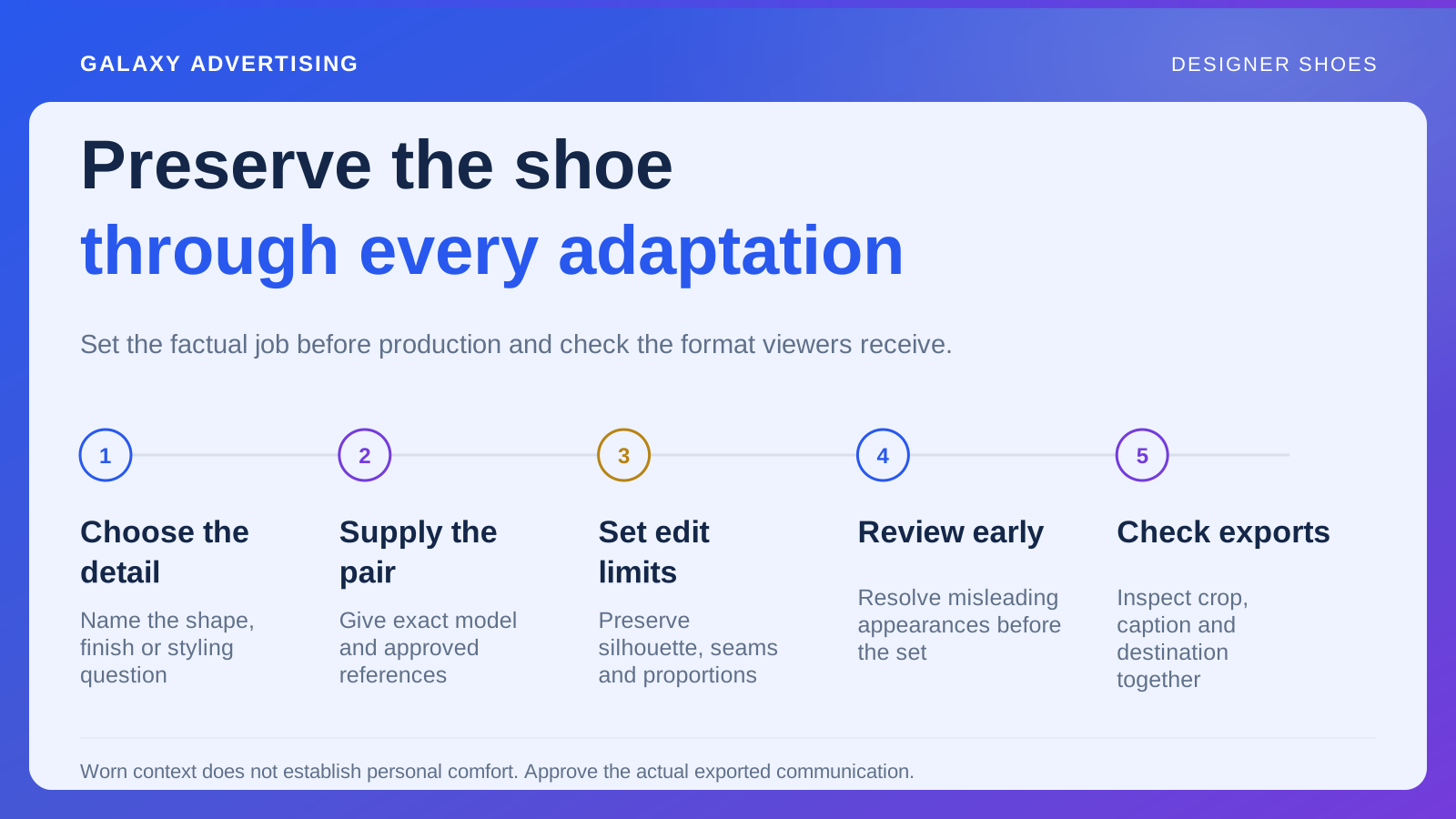
Choose the product decision this image or sequence should support. Establishing silhouette, explaining a visible construction detail and illustrating styling are different jobs. They need different views, so decide which one matters most before treating every desirable brand quality as part of the brief.
One short asset doesn't need to prove everything. A montage can get busy while leaving too little time or space to understand any relevant detail.
Write an observable requirement. “Show the side profile and sole shape clearly” tells production what the shopper should see. “Make it feel exceptional” expresses an ambition without saying what they'll learn. Use the ambition alongside a task somebody can actually review, rather than expecting the creator to infer the missing evidence.
Supply references for the exact pair
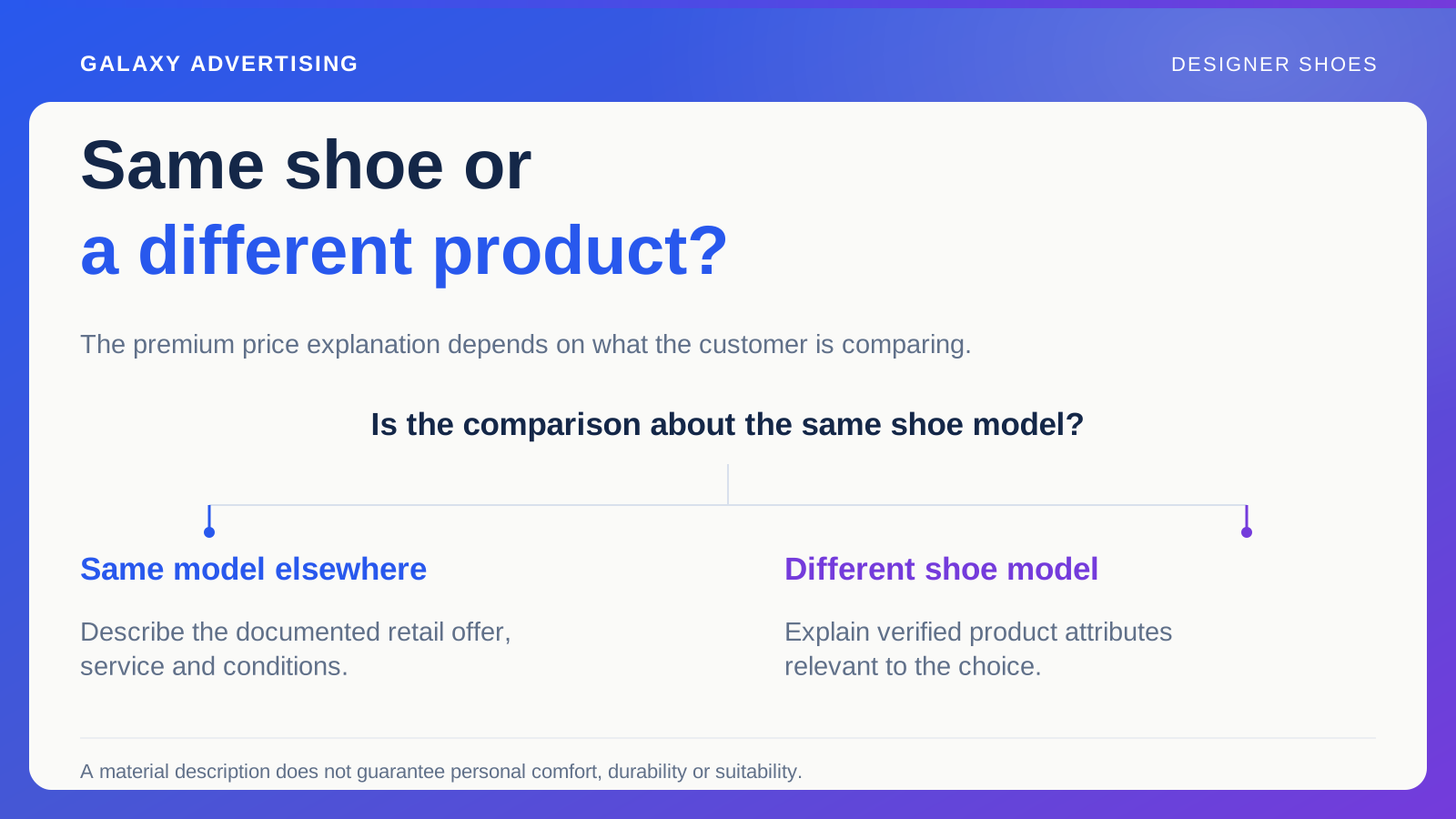
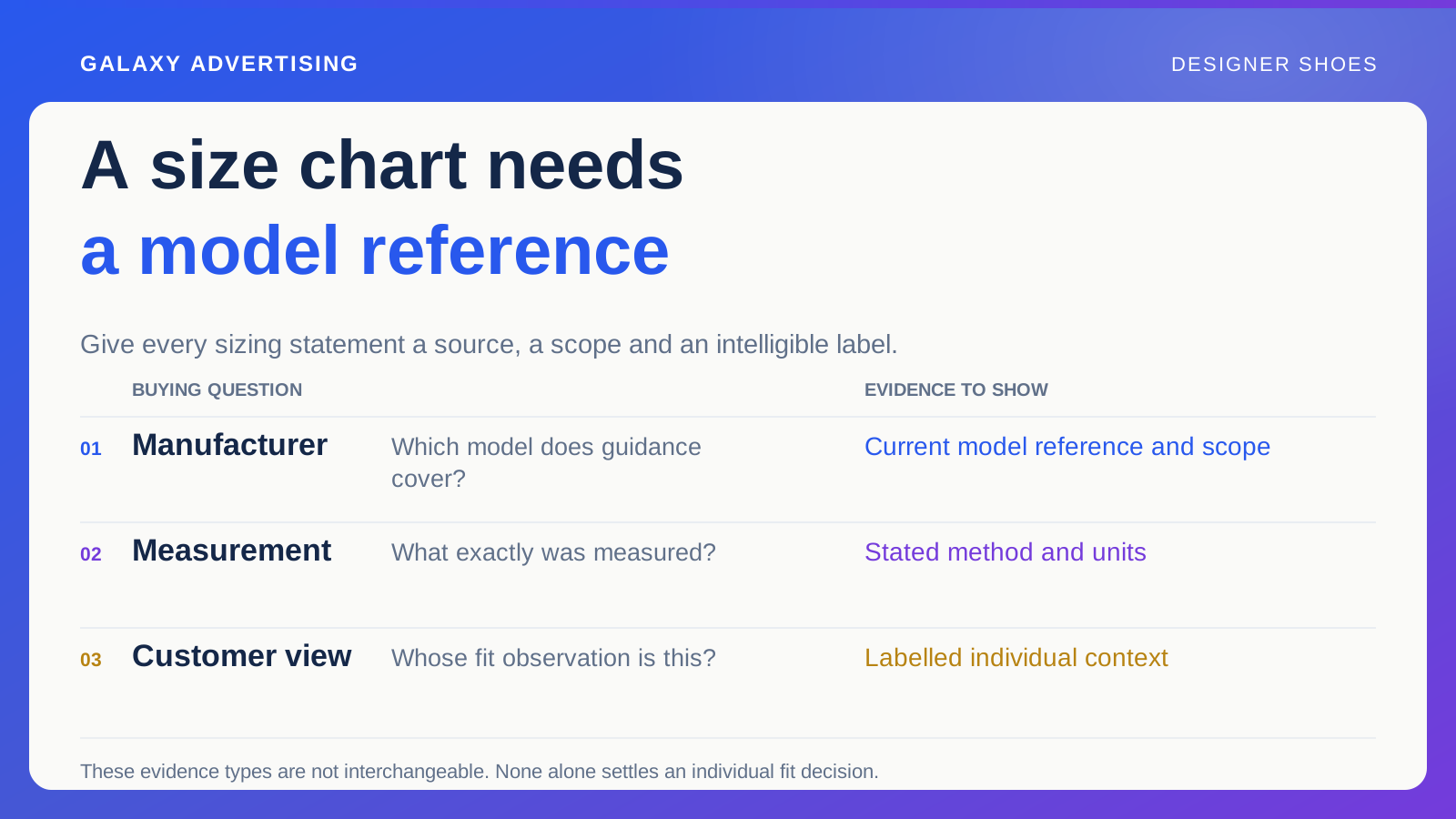
Provide the item reference, finish, approved images and relevant factual descriptions. Identify the promoted version and distinguish it from similar models elsewhere in the range. A familiar looking pair can still be the wrong commercial reference for the work.
Include details editing could alter: shape, seams, sole proportions and material appearance. These need to stay connected to the supplied product. A thumbnail isn't enough for a creator to infer all those boundaries, especially when the final image is expected to reveal rather than conceal them.
Separate optional accessories and styling objects from included components. A shoe tree, care product or special presentation package can imply an offer if it dominates the scene. Explain its role in the brief so an attractive arrangement doesn't accidentally advertise another package.
Choose the view that reveals the distinction
If you're comparing shape, choose an angle and composition that make it visible. For material appearance, preserve enough detail without applying a treatment that materially changes the finish. The planned view should help someone judge the characteristic you named in the brief.
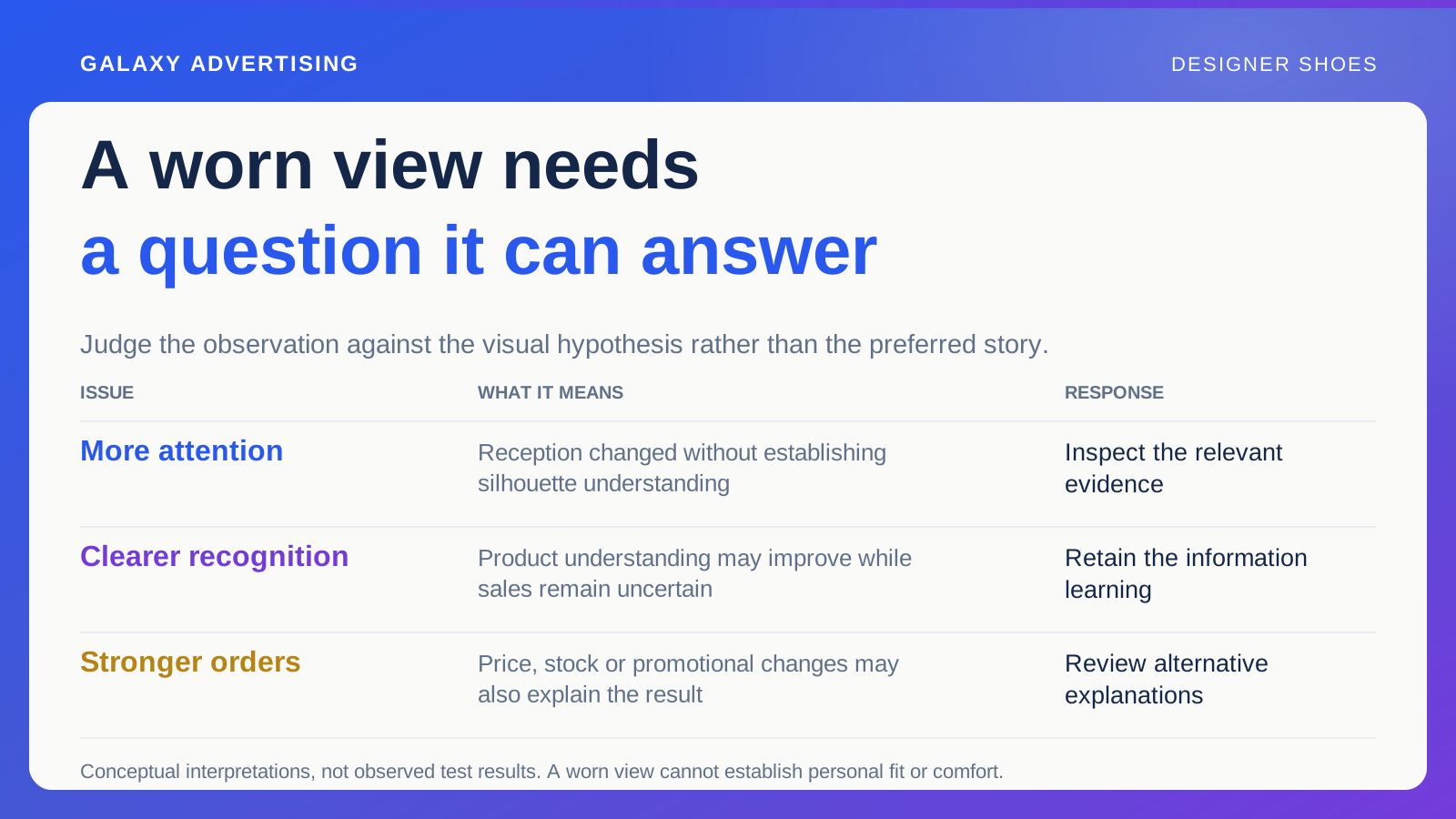
A worn view can explain proportion alongside clothing. It doesn't establish personal fit or comfort for every shopper. Keep the factual claim matched to the evidence the scene supplies, rather than letting the illustration carry a wider promise because it looks convincing.
Ask production what a viewer won't be able to judge from the proposed view. That can expose a need for a second detail shot or clearer sequence. Additional coverage earns its place when it closes a defined information gap, rather than simply increases the delivered file count.
Make the setting support the shoe
Choose clothing and surroundings that help the intended illustration without overpowering the pair. Someone needs to identify the model and understand the visual difference being explained. The setting should make that easier, rather than become the principal thing they remember.
Don't use context to imply unrelated evidence. An impressive event doesn't verify long wear comfort or durability. A workshop background doesn't prove the retailer manufactures the shoe. A scene can suggest those claims even when the written copy carefully avoids stating them.
Review script, caption and imagery together. Their combination can create an impression no single sentence expresses. Approval needs to cover that complete communication, rather than treat copy and images as separate items whose individual accuracy guarantees the accuracy of the whole.
Set the editing boundaries before production
Explain which adjustments help accurate presentation and which could change the apparent product. Make it possible to compare the finished result with an approved reference under the intended viewing conditions. That gives the team a shared factual check beyond whether everyone likes the treatment.
Apply the same discipline to generated backgrounds and supporting effects. A convincing image can quietly change component numbers, silhouette or surface detail. Realism doesn't establish product accuracy. The review still needs the actual reference, however natural the result appears.
Save exported outputs as well as production files. Cropping and compression can remove detail or make important labels unreadable. Approve what the customer will actually see, rather than only the larger working image on an editor's screen. The delivered format is part of the communication.
Adapt the format without losing the point
Identify the formats the account team intends to use. Where needed, verify current requirements through the actual setup. Ask production to preserve the main product distinction in every adaptation, instead of treating the resizing task as purely technical.
A crop can fit the frame while removing the sole or obscuring model identification. Review each adaptation as a complete asset. Keep essential text readable on a phone. If avoiding a misleading impression requires a long qualification, reconsider the proposition: a clearer scene or narrower claim may help more than a smaller font over the product.
Review an early reference before producing the whole set. Compare a proposed frame with the real model and ask the product owner about misleading appearances, particularly under strong reflections or shadows. Corrections then can carry across the shoot. Leaving a small unresolved detail until every adaptation is finished makes consistent correction more expensive.
Decide how accuracy and the argument get approved
Name a product accuracy reviewer and the person responsible for the buying argument. They may be different people. Production needs to know how their comments will be resolved before final delivery, rather than discover conflicting instructions once the files are finished.
Review a rough sequence while there's still time to obtain missing evidence. Discovering a required angle after final editing can turn a small planning gap into an expensive reshoot. Focus that early review on what the asset explains before decorative finishing takes over.
Record the approved version, caption and destination together, with the facts and product reference supporting the file. A useful library preserves why the image exists. That lets the next production change the customer question deliberately while keeping the shoe recognisable, rather than inherit an attractive file whose factual job has been forgotten.