Seasonal enquiries start arriving for your outdoor dining collection, but the main photograph shows a finish you can't supply. Product facts are still missing, and operations can't confirm the delivery arrangement promised in the copy.
For a garden retailer, that's a readiness problem a seasonal heading cannot solve. Publishing earlier helps only if you use the time to resolve those dependencies. The page needs to be useful, the products accurate and the changing information owned by someone who can keep it current.
What is the customer trying to choose?
Start with the decision the customer needs to make and the conditions that make it timely. Outdoor dining, guest accommodation and replacement appliances raise different questions, even where all have seasonal patterns.
For a hypothetical garden range, visitors might need to compare table configurations for an intended use. Actual dimensions, package contents and relevant service information help them do that. A general seasonal introduction doesn't do the same job.
Inspiration has a place, but the page should let people inspect suitable offers. Don't spend so long describing the atmosphere that the products and their differences become hard to find. The customer has a choice to make, and your page should help them make it.
Check what the range can actually promise
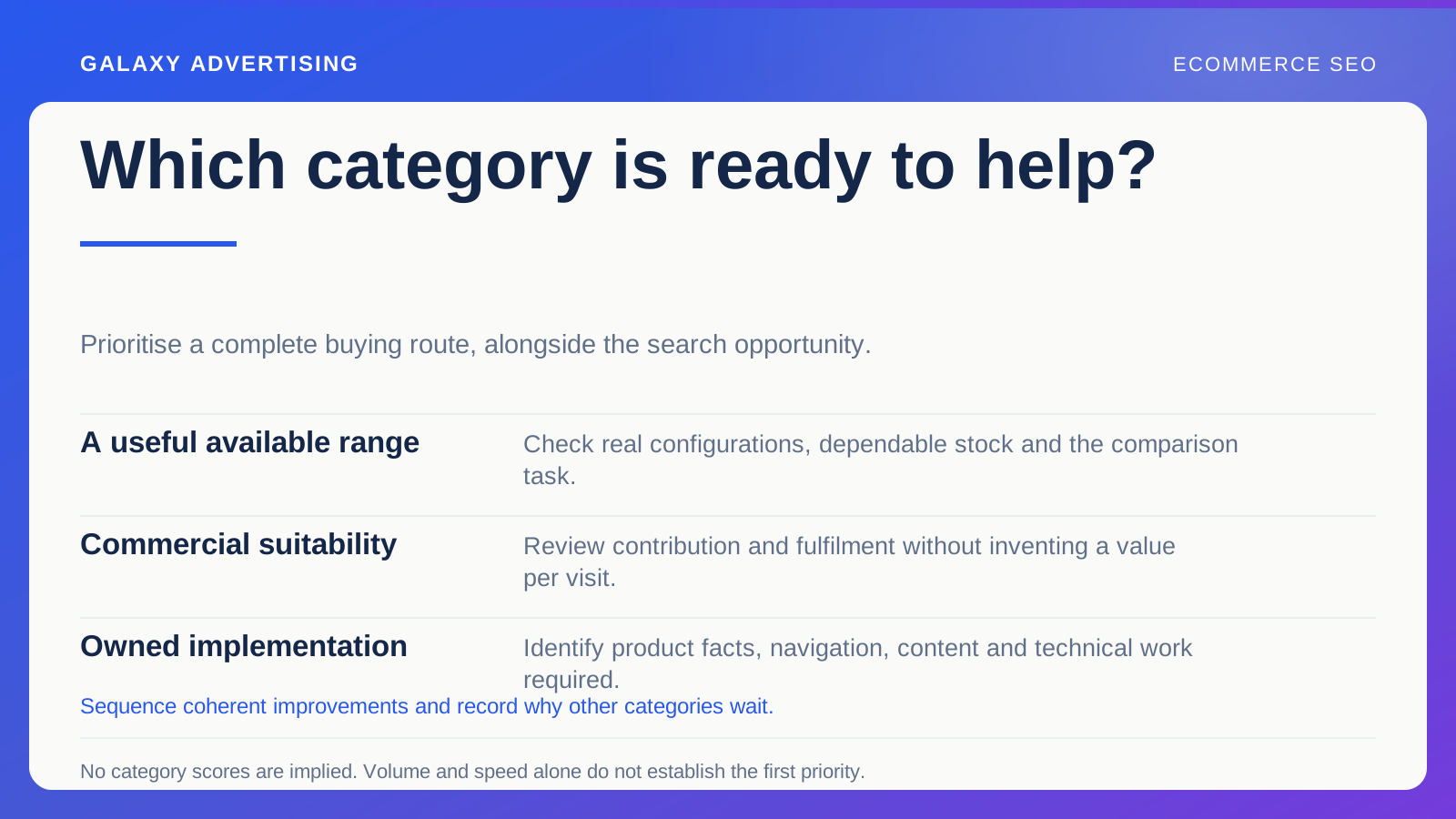
Ask merchandising which products and configurations are confirmed for the period. Keep expected replenishment separate from available inventory, and record who can update the plan.
Then check whether the selection offers meaningful choice under the page's description. A broad collection title might promise more than the products deliver. Sometimes narrowing that description is the right fix, rather than writing another paragraph about variety.
Look for exceptions too. A particular finish or package may have a different lead time or service arrangement. The most attractive general condition cannot silently apply to everything. Whoever writes and approves the page needs those distinctions before launch.
Plan backwards from a page customers can use
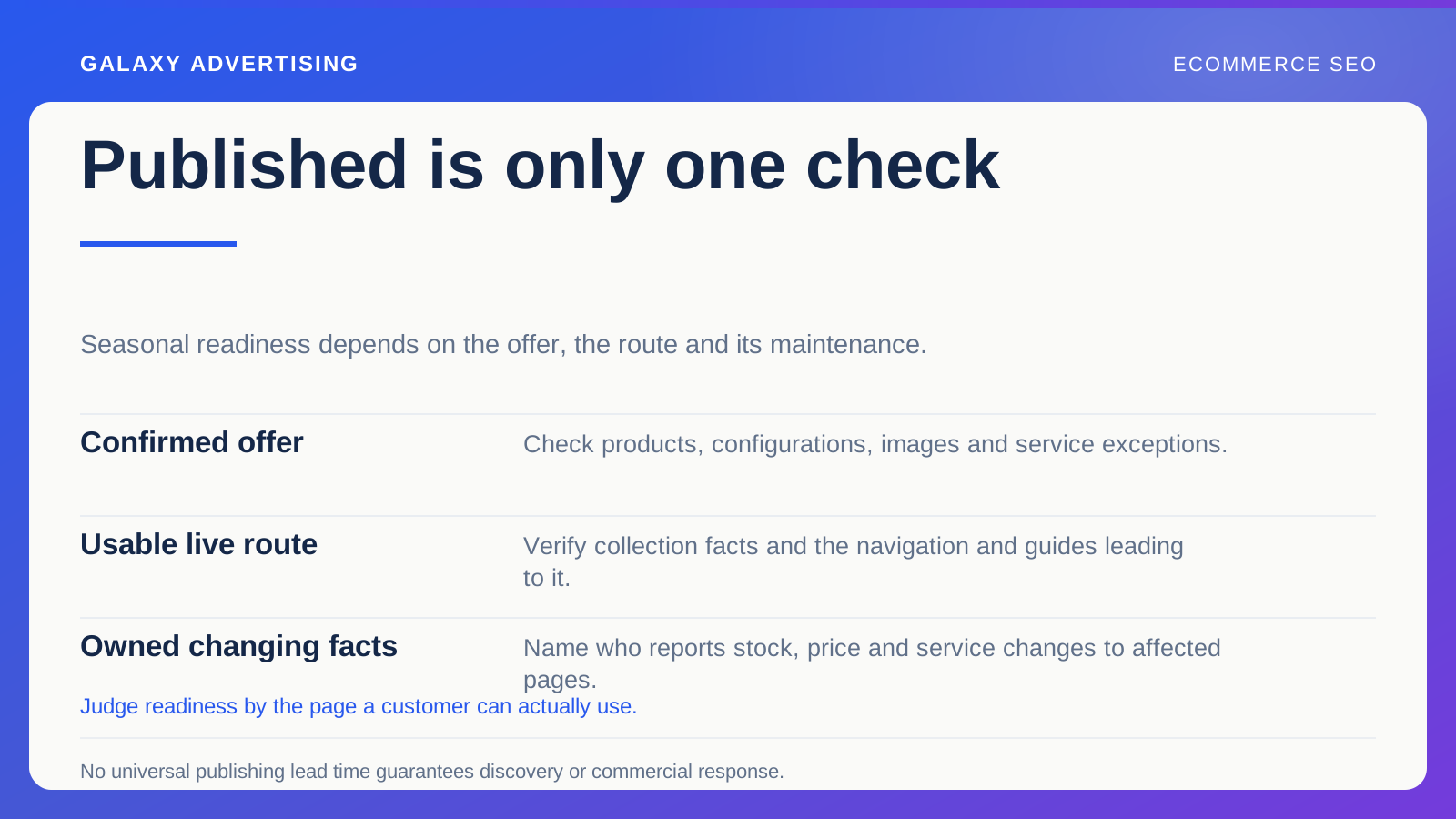
List the required facts, images, website changes and approvals. Assign each dependency to the person who can provide or authorise it, rather than assuming the content owner can produce everything.
Your end point is a verified page state. A finished article sitting in a document doesn't prove the collection, links and product information are ready for a customer.
Estimate time using the team's real implementation process. Supplier clarification, image review and template deployment can all shape the sequence. There is no unsupported universal publishing lead time that guarantees discovery or commercial response on a particular date. More time needs a purpose.
Know which words will go out of date
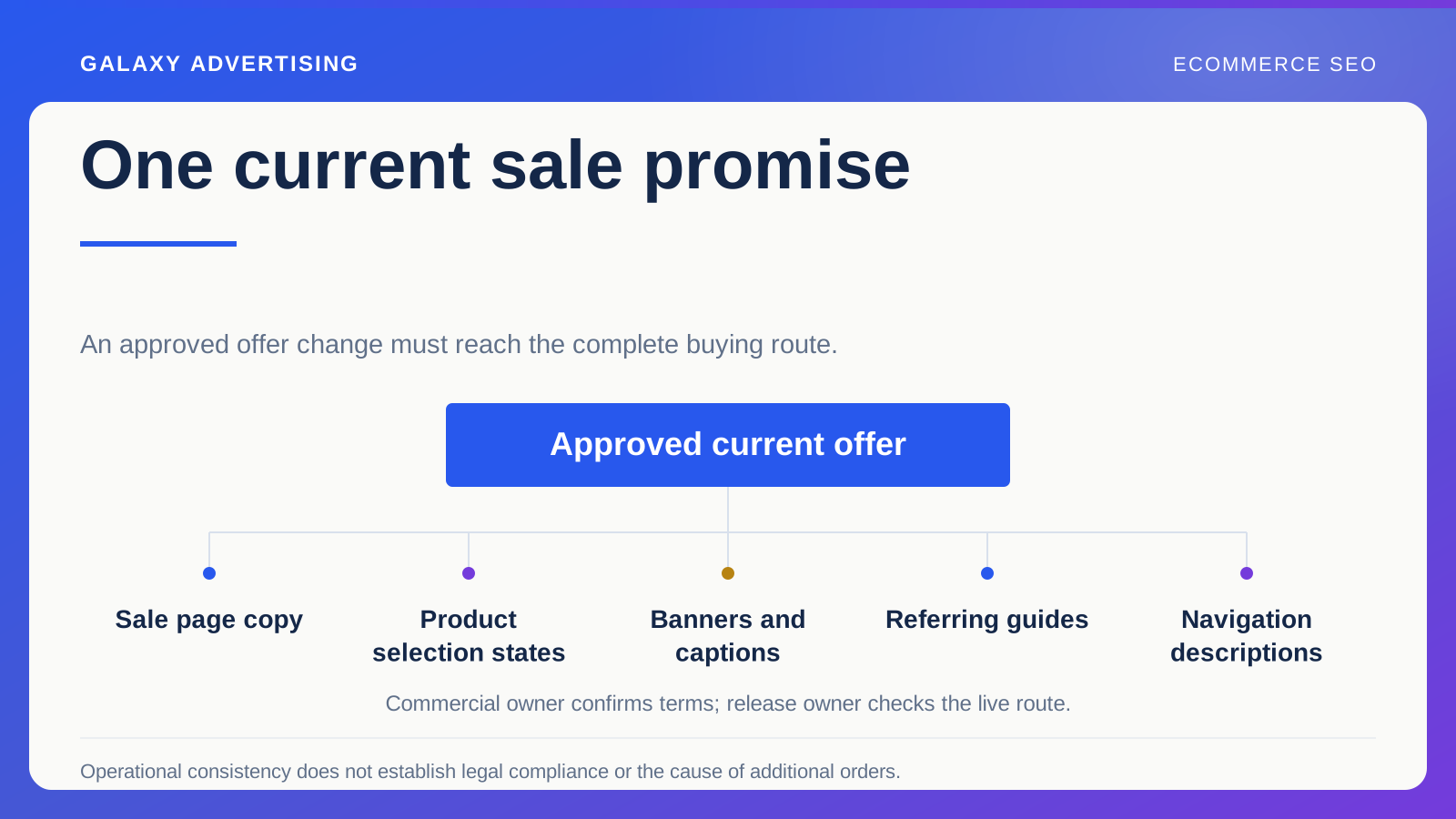
An explanation of configuration differences may remain useful beyond one season. A promotional price, occasion specific promise or temporary availability statement may expire much sooner.
Mark those elements in the source record. The maintenance owner needs to know what requires review, so an obsolete claim doesn't survive just because the surrounding explanation still holds up.
This also saves unnecessary rewriting. Keep the useful, stable guidance and revise the commercial conditions that have changed. Copying last year's page and giving it a fresh heading doesn't establish that this year's offer is current. Knowing which facts are stable does.
Follow the routes into the collection
Check relevant navigation, guides and other internal links. A prepared collection is of limited use if the only way in is an old campaign link or an internal search your team assumes everyone will use.
Connect seasonal guidance with the commercial page where that helps the next decision. A practical article can direct people to the relevant range. The collection can also lead to detailed guidance without carrying a whole essay itself.
After implementation, follow the actual destinations. An old guide could still point to an ended configuration while the new collection represents a different offer. Seasonal readiness includes the relationships between pages, rather than just a set of individually completed URLs.
Agree how changes will reach the page
Name who reports material stock, price and service changes, and specify which pages are affected. “The summer range has changed” may leave the website owner unable to identify the inaccurate statement.
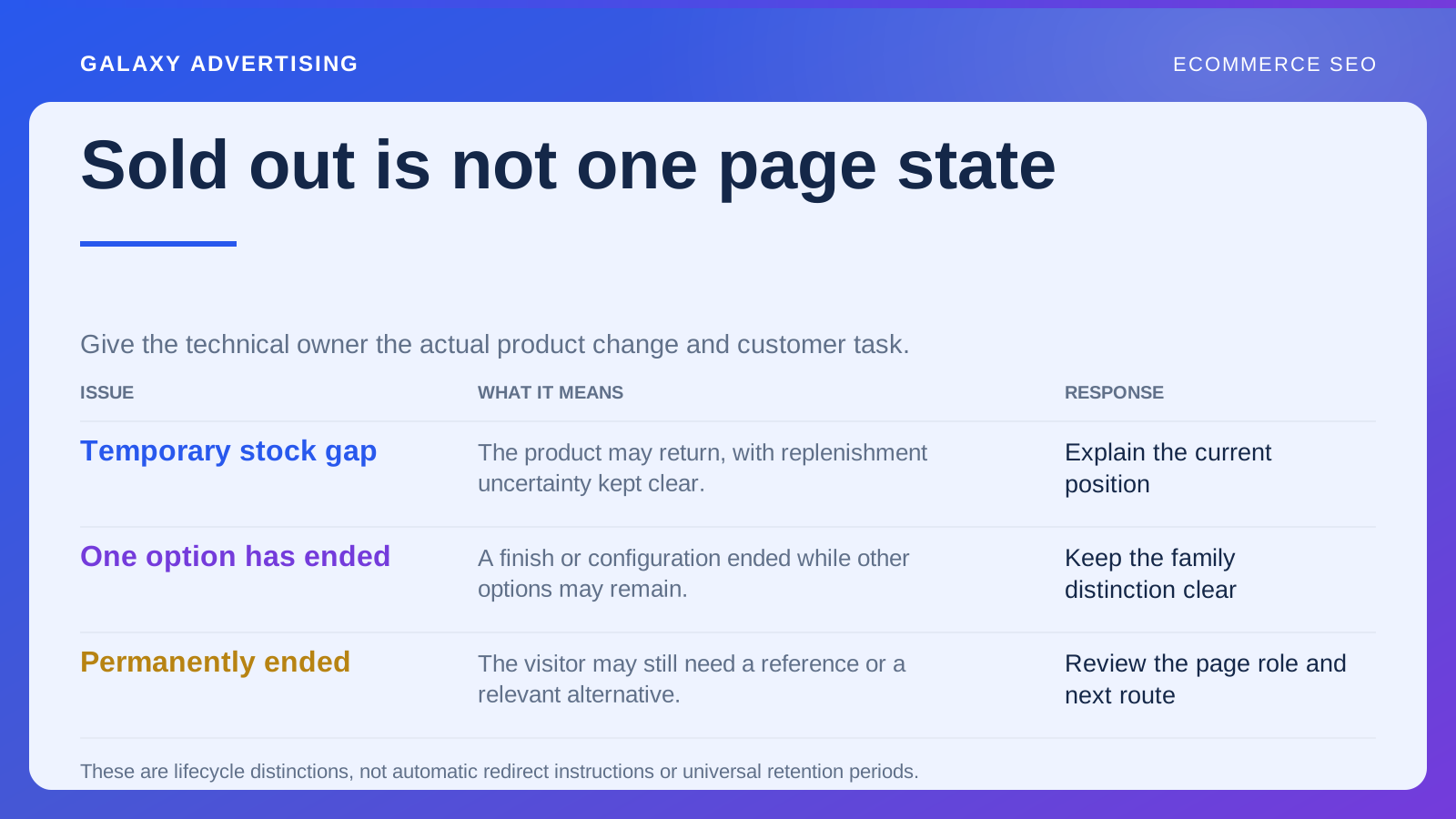
When availability changes, preserve product identity and useful alternatives. Automatically replacing every unavailable item with an unrelated destination leaves the customer guessing what happened to the offer they were considering.
If a page genuinely moves or ends, work with the specialist on the technical treatment. First describe the actual commercial state and what the customer should understand; then let the implementer choose a response. The fact that a page is seasonal doesn't settle its lifecycle decision.
Secure the evidence while you can
Need a photograph or demonstration of a particular configuration? Confirm it while the product can still be supplied for review. A written plan can be ready while the only available image shows an obsolete arrangement. That can undo a seasonal schedule rather quickly.
Record the reference supporting the intended claim and who can approve a replacement. A similar looking product mustn't inherit the same dimensions or service description without checking. When the preferred configuration is no longer available, that record protects the page's facts and makes any substitute a deliberate decision.
Find the process failure behind the missed deadline
At the end of the period, compare the planned release state with what actually reached the site. Identify dependencies that caused avoidable delays or inaccurate information.
Be specific about the correction. “Begin sooner” doesn't tell you much. Discovering that nobody owned configuration confirmation, or that image approval happened after implementation, gives you something to change next time without adding more meetings.
Seasonal organic work belongs in the operation as well as the editorial calendar. Its job is to prepare a relevant offer, make the buying information usable and keep temporary conditions accurate as demand changes. The useful test of readiness is whether a customer can responsibly use the page. A publishing schedule cannot make that judgement for you.