 Meta Ads
What if the footwear advert earns the click, but the shopper's size has already gone? You can keep attracting attention while giving interested people an offer they can't buy as expected.
Another item might open on a different colour from its photograph. A third might carry an old price. These aren't just untidy details. They make the purchase difficult to assess, sometimes impossible to fulfil on the terms shown.
Catalogue advertising builds promotion from product information. Owning that information is a commercial responsibility. Before asking for general optimisation, check whether each represented item gives the customer an accurate route to a purchase.
Make sure everyone means the same item
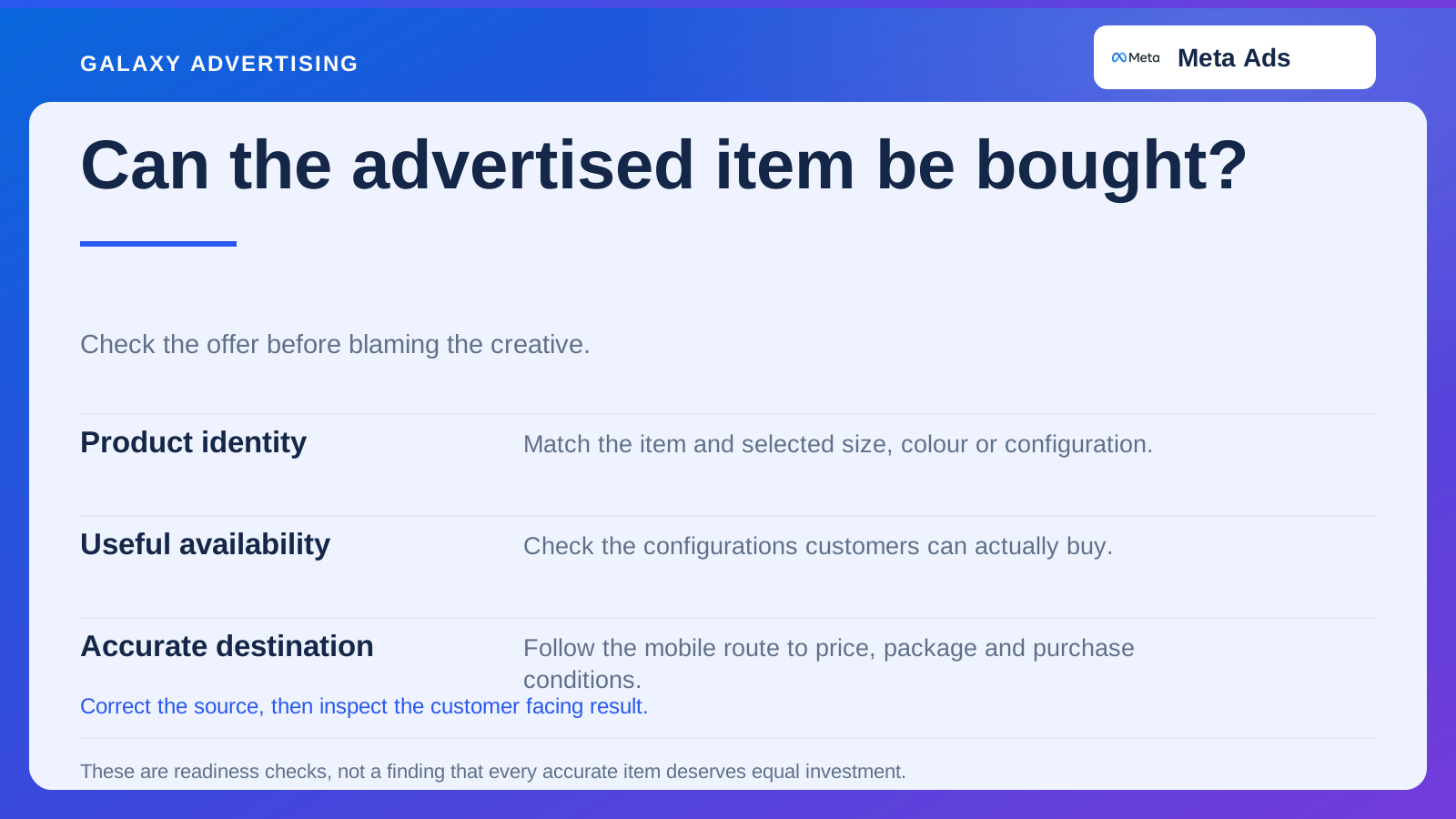
Establish how your business identifies a product, its variants and any distinct package. A variant is the selected size, colour or configuration. Your website, data source and advertising setup need stable references they can interpret consistently.
An internal style name may not distinguish size, colour or included accessories. Follow a real item through the route. Similar names aren't proof that the systems have matched it correctly.
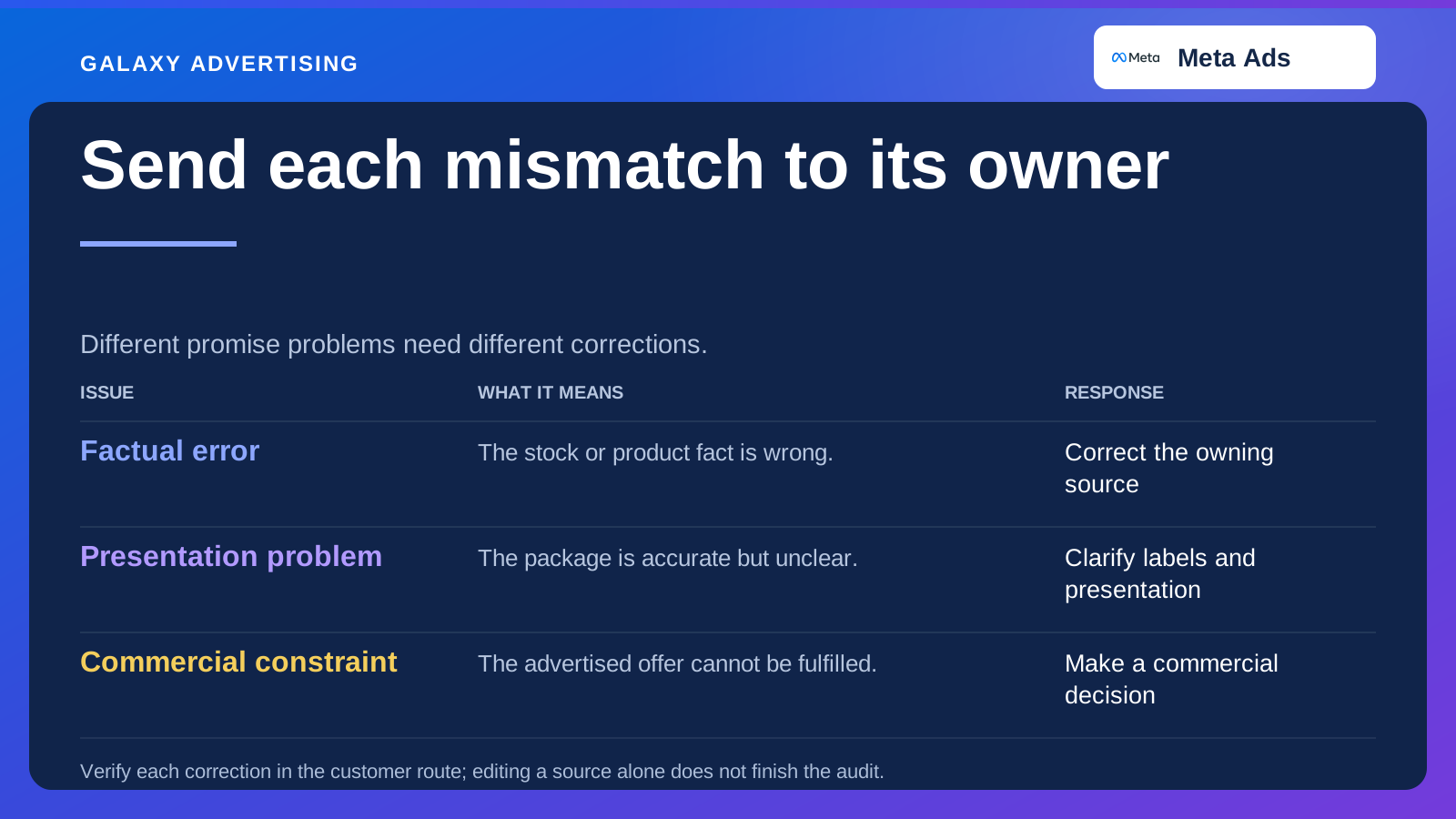
Record who owns each source. A catalogue problem can cross merchandising, the website and an integration. Your account manager needs to know who can correct the underlying fact. Repeatedly changing its appearance in a downstream tool leaves that responsibility unresolved.
Check the sizes customers can buy
A general “in stock” label doesn't tell you whether the useful sizes or configurations are available. A range can technically contain stock while offering little your interested audience can purchase.
Decide how availability changes should affect promotion within the configuration your account supports. The answer might concern product selection, a clearer alternative route or a correction to the original data. Those are different jobs, so establish which one you have.
Be careful about blaming the creative argument when stock becomes patchy. The offer you're now representing may differ from the one that produced the earlier results. A temporary stock problem doesn't prove the message has stopped working.
Take the same route as your customer
Choose representative items from the live presentation and follow their links. Check the product, selected variant, price and essential commercial conditions at the destination.
If the page defaults to another option, can a new customer understand and reach the item shown? Your team knows the range. That familiarity can fill gaps a first time visitor won't know how to cross.
Do this on a phone too. Variant controls, stock labels and selected images can behave differently on a narrow display. A technically correct destination can still be awkward or unclear to use. The link needs to work as a buying route, as well as a technical connection.
Treat the photograph as part of the specification
A photograph can imply a package, finish or configuration without saying a word. Confirm what belongs to the advertised item and whether the accessories in the scene are included or optional.
Apply the same product accuracy review to edited or generated images as to conventional assets. A more attractive setting shouldn't change the shape, material or features you actually supply. The visual still makes a promise about the product.
If several items share one visual, make their differences understandable. A general room image can support a range. It can't accurately identify a particular package if that isn't what it shows. Attractive and informative need to work together here.
Give the awkward items a place in the process
Review sold items, new additions, changed prices and products with incomplete data. These are the conditions likely to expose weaknesses that your well maintained best sellers won't show you.
Keep a small exception log. Name the item, what you observed, the source needing correction and the check that will verify it. “Catalogue needs fixing” describes a concern. It doesn't give somebody a complete implementation task.
After the correction, inspect what customers actually see. Updating the source doesn't establish that every connected use now reflects it. Confirm the output through your normal update process and current platform setup. The task ends at the customer facing result, rather than the saved source record.
Decide which accurate products deserve investment
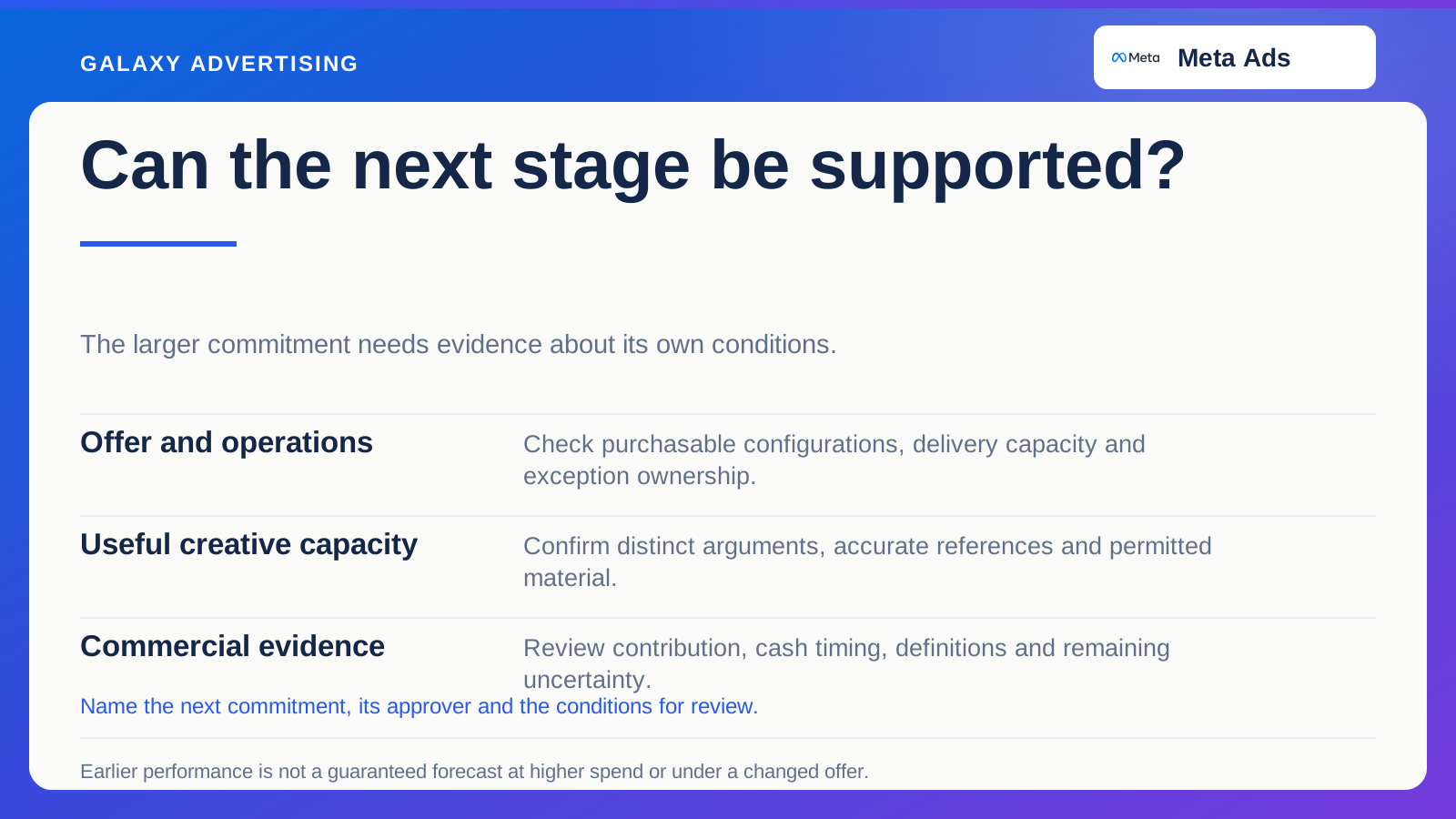
Accurate information makes the offer understandable. It doesn't mean every item deserves the same acquisition investment. Look at contribution, meaning the money remaining after the costs included in your calculation, alongside stock depth, fulfilment and the buying information available.
Consider a hypothetical premium shoe range with gaps in popular sizes. Right now, it may deserve less emphasis than a well stocked range with clear fit guidance. That's a merchandising and commercial judgement. A different photograph won't settle it.
Keep that judgement usable. If you rely on a product grouping or supported rule, document what it means and who owns it. The decision needs to respond when the range changes, rather than survive as a forgotten setting.
Follow one correction from source to advert
Suppose a shoe colour has been withdrawn but remains in a product source. Begin with the system that owns availability and correct the record there. Then inspect the outputs that follow.
Record when the source changed and when the advertising presentation caught up. Save the screenshot and item reference. That gives the next person more to work with than a message saying “fixed”.
Check nearby variants as well. A style level correction could unintentionally affect colours still available. Fixing one variant could leave an obsolete image in another route.
You're learning a repeatable responsibility, rather than signing up to inspect every item forever. Once you understand the path, build an exception report around the actual failure and assign somebody to review it. The useful outcome is a process that catches this kind of problem again.
Read results beside the offer that was live
Look at investment, orders and product exploration alongside the information and availability customers actually encountered. Results can change because the catalogue offer changed, even while the main campaign settings stayed put.
Recurring customer questions add another diagnostic. Confusion about a pictured variant or included package can expose a representation problem that a delivery metric won't explain.
Data won't explain every weak result. Audience, creative, proposition and destination all matter. Check catalogue readiness before letting a broad performance explanation justify unrelated changes.
Connected product identity, availability and presentation give customers an offer they recognise and give you a firmer basis for judging demand. Fresh creative has a better chance of helping when it points to something the customer can actually buy.